
Touchscreens people walk right up to.
Countertop and floor-standing kiosks, single or dual-sided, with PCAP touch and a Mini PC option when the screen needs to run an app. Sign-in, demos, and digital signage.
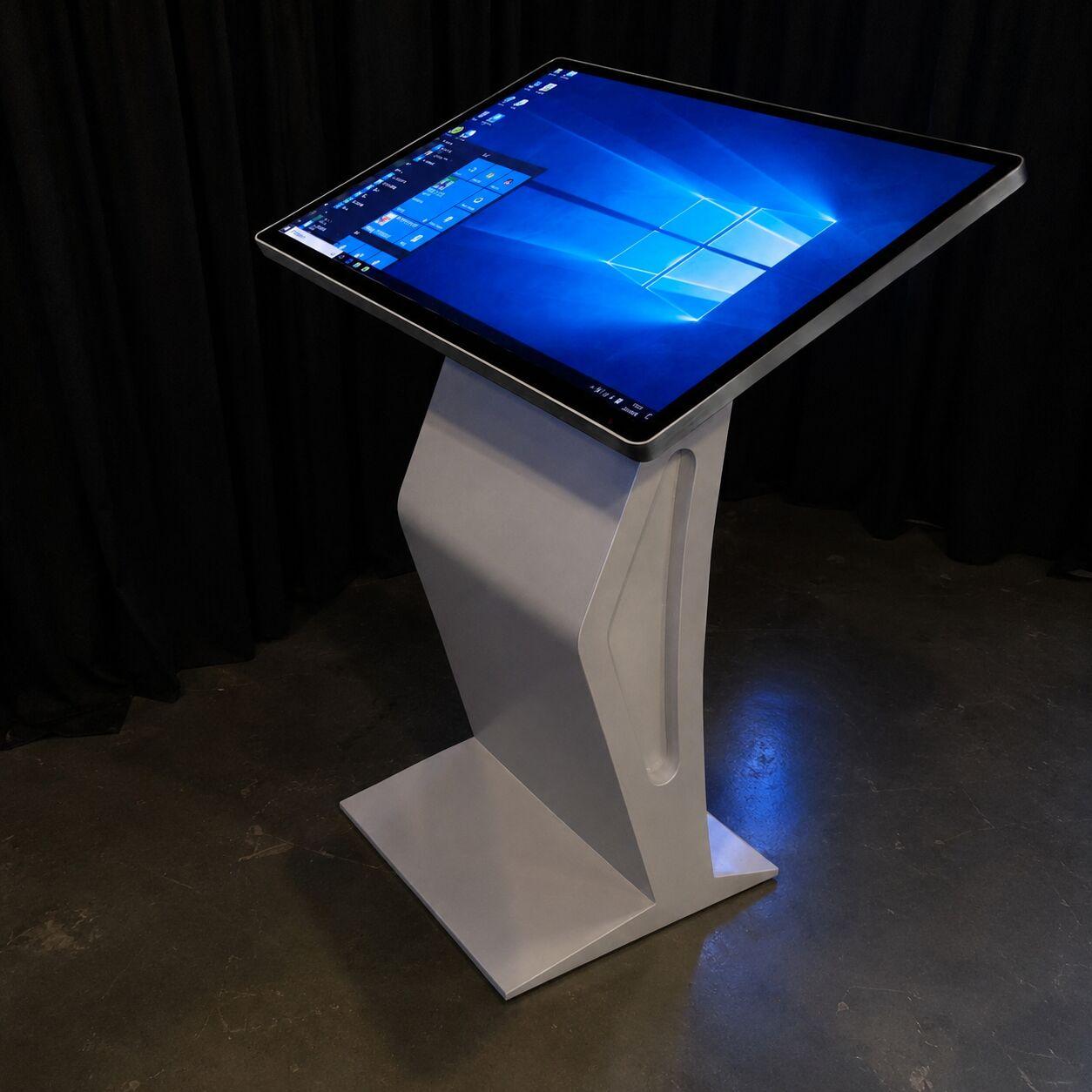
Pick the form factor.
Countertop kiosk
A compact touchscreen for a tabletop or counter. Sign-in, lead capture, and short demos.
Floor-standing kiosk
A full-height touchscreen that stands on its own on the floor, single or dual-sided.
Single and dual-sided
One screen (K1) or two back-to-back (K5) so the kiosk reads from both directions in traffic.
iPoster digital signage
A bright vertical display for wayfinding, schedules, and looping brand content.
Kiosk questions, answered.
Is the touch PCAP or overlay?
PCAP (projected capacitive) is the responsive, phone-like touch most kiosks use. We confirm the touch type per unit so it matches the interaction you need.
Does the kiosk need a Mini PC?
Some kiosks run content from an onboard player; others need an external Mini PC for an app or a live source. We tell you up front which your setup needs.
Can it run our app or just looping content?
Both. Looping video and slideshows run onboard; an interactive app runs on a Mini PC. Send us what you want it to do and we spec it.
Do you install, or can our crew?
Either. We deliver and set up, or your crew runs it with our documentation. See LED wall install and crew.
Do we need a kiosk or just digital signage?
If people need to tap it for sign-in, demos, or browsing, it is a kiosk. If it only shows schedules, wayfinding, or looping content, an iPoster or digital signage does the job with less to set up.
What size kiosk do we need?
Screens run 43, 55, and 65 inches. A countertop or a tight aisle usually wants the compact end; detailed visuals read better at 55 or 65. Send the booth size and we size it.
What should we send you about our app?
Its minimum hardware spec (CPU, RAM, storage), whether it needs a full desktop operating system or runs as a touch app, and how it installs. That tells us whether the onboard player or a Mini PC is the right fit.
What resolution should we build content at?
43 and 55 inch screens come in 1080p or 4K; the 65 inch is 4K. We confirm the exact resolution and orientation for your unit before you render so nothing gets scaled or cropped.
Does PCAP touch work with gloves or a stylus?
PCAP reads a bare finger or a capacitive stylus and supports multi-touch. Thick gloves usually will not register, so tell us if your audience will be gloved and we pick the touch type to match.
Does the kiosk need internet?
Only if the content pulls live data or you want to manage it remotely; looping content runs offline. If it does need a connection, plan on a wired drop from the venue, not show-floor Wi-Fi.
Send us the booth plan.
Tell us what the kiosk should do and your dates. We'll send the quote.
Get a quote